Unlock 15% More Battery Life: 2025 Smartphone Settings Guide

Achieving 15% more battery life on your 2025 smartphone is attainable through strategic adjustments to advanced settings, background app management, and display optimizations, directly impacting daily device longevity and user experience.
In an increasingly connected world, our smartphones are more than just communication devices; they are our navigators, entertainment hubs, and productivity tools. The constant demand placed on these gadgets often leads to a common frustration: dwindling battery life. This year, we’re diving deep into how you can achieve a significant boost, specifically, unlocking 15% more battery life on your latest smartphone in 2025. It’s not just about turning down brightness; it’s about smart, advanced optimization.
Understanding your smartphone’s power consumption
Before we can optimize, we must understand. Modern smartphones pack incredible processing power, stunning displays, and a myriad of sensors, all of which draw significant energy. Identifying the primary culprits behind rapid battery drain is the first crucial step towards effective management. Many users are unaware of the hidden processes constantly running, silently consuming power in the background.
The operating system (OS) and various applications contribute differently to power usage. While some apps are designed to be efficient, others can be notoriously power-hungry, especially if not configured correctly. Understanding these patterns allows for targeted interventions, preventing unnecessary energy expenditure and prolonging your device’s operational time.
Identifying battery hogs with built-in tools
- Battery Usage Stats: Access your phone’s settings to view detailed charts and lists of apps and features consuming the most power. This often reveals surprising offenders.
- Background Activity Monitoring: Pay attention to apps that run in the background even when not actively in use, such as social media or navigation apps.
- System Services: Understand how core system services like Wi-Fi, Bluetooth, and location services impact overall battery health.
By regularly checking these diagnostic tools, users can gain valuable insights into their device’s energy consumption habits. This empirical data forms the foundation for making informed decisions about which settings to tweak and which apps to manage more aggressively. It’s a proactive approach to maintaining optimal battery performance throughout the day.
In conclusion, a thorough understanding of your smartphone’s power consumption profile is indispensable. Without this foundational knowledge, any attempts at optimization would be mere guesswork. By leveraging built-in diagnostic tools, you can pinpoint specific areas for improvement and lay the groundwork for unlocking significant battery life gains.
Advanced display and visual settings for efficiency
The display is often the single largest consumer of battery power on any smartphone. With resolutions climbing and refresh rates soaring, managing your screen settings effectively can lead to substantial energy savings. It’s not just about dimming the brightness; it’s about smart adjustments that enhance visual experience while minimizing power draw.
Many users overlook the subtle yet powerful impact that display settings have on overall battery endurance. From adaptive brightness to dark mode implementation, each adjustment contributes to the cumulative goal of extending your phone’s operational hours. These settings are designed to provide a balance between visual quality and energy conservation.
Optimizing screen refresh rate and resolution
- Adaptive Refresh Rate: Enable dynamic refresh rates (e.g., 120Hz to 60Hz) which automatically adjust based on content, saving power during static viewing.
- Lower Resolution: Consider reducing display resolution in settings, especially if the visual difference is negligible for your daily tasks.
- Dark Mode: Utilize system-wide dark mode, especially on OLED screens, where black pixels consume no power.
Beyond these, activating features like ‘always-on display’ with discretion is key. While convenient, it can incrementally drain battery life over time. Modern smartphones offer granular control over these settings, allowing users to fine-tune their visual experience to perfectly balance aesthetics with efficiency. The goal is to maximize visual comfort without unnecessarily taxing the battery.
Ultimately, optimizing your display and visual settings is a powerful method for conserving battery. By making informed choices about brightness, refresh rates, resolution, and color profiles, users can significantly reduce their phone’s power consumption without compromising usability. These small changes collectively contribute to a noticeable improvement in daily battery life.
Strategic app management and background activity control
Applications are at the heart of our smartphone experience, but they can also be the biggest drain on battery life, particularly when running unchecked in the background. Effective app management involves more than just closing apps; it requires a strategic approach to permissions, background refresh, and notifications. Many apps, even when not actively used, continue to consume resources.
The sheer volume of applications installed on a typical smartphone means that without proper oversight, they can collectively create a significant power drain. Understanding which apps truly need constant background access and which can be restricted is paramount. This proactive management prevents unnecessary processing and data usage, both of which impact battery health.
Controlling background refresh and notifications
- Restrict Background App Refresh: Limit which apps can refresh content in the background. Prioritize essential communication apps and restrict others.
- Manage Notifications: Disable notifications for non-essential apps. Constant alerts wake your screen and activate radios, consuming power.
- Deep Sleep Apps: Utilize features that put rarely used apps into a ‘deep sleep’ state, preventing them from running in the background at all.
Furthermore, regularly reviewing app permissions can prevent apps from accessing resources like location, camera, or microphone when not explicitly needed. Many apps request broad permissions during installation that are not critical for their core functionality. Revoking these unnecessary permissions not only enhances privacy but also reduces potential battery drain.
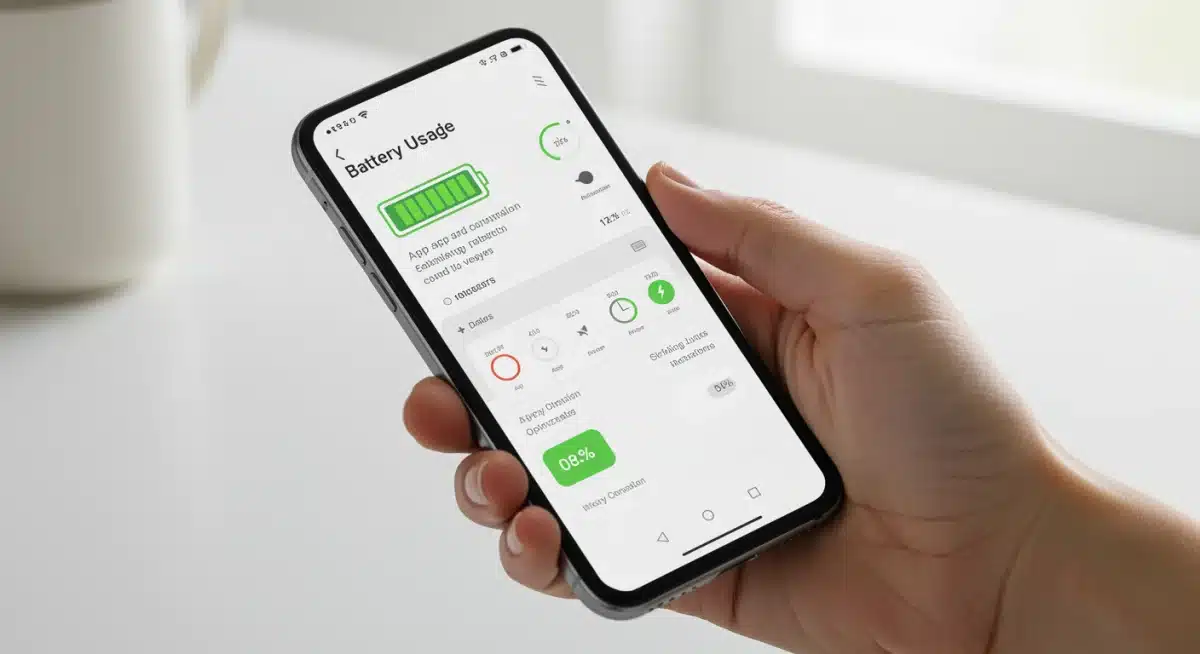
In essence, strategic app management is a cornerstone of battery optimization. By taking control of background activities, managing notifications, and scrutinizing app permissions, users can significantly reduce the silent drain on their smartphone’s battery. This disciplined approach ensures that only essential apps and services are consuming power, leading to a more efficient device.
Connectivity optimization: Wi-Fi, Bluetooth, and cellular data
Wireless connectivity features are indispensable for modern smartphones, but they are also significant power consumers. Leaving Wi-Fi, Bluetooth, or cellular data enabled when not in use can lead to constant searching for networks and devices, thereby draining the battery unnecessarily. Optimizing these settings is a simple yet effective way to conserve power.
The way your smartphone handles its various radio components directly impacts its energy efficiency. For instance, a phone constantly searching for a Wi-Fi network in an area without one will consume more power than one with Wi-Fi intelligently managed. Understanding these nuances allows for smarter usage and greater battery longevity.
Smart management of wireless connections
- Automate Wi-Fi and Bluetooth: Use automated rules or routines to turn off Wi-Fi and Bluetooth when you leave known networks or disconnect from paired devices.
- Location Services: Set location services to ‘only when using the app’ or disable them entirely for apps that don’t critically need your precise location.
- Cellular Data Optimization: In areas with poor cellular reception, consider switching to Wi-Fi or airplane mode, as your phone expends more energy trying to maintain a weak signal.
Beyond manual adjustments, modern operating systems offer ‘smart connectivity’ features that learn your usage patterns and automatically optimize these settings. Enabling these features can provide a hands-off approach to battery saving without compromising connectivity when you need it. It’s about letting your phone work smarter for you.
To summarize, optimizing your connectivity settings is a vital part of comprehensive battery management. By intelligently controlling Wi-Fi, Bluetooth, cellular data, and location services, you can prevent your smartphone from wasting precious energy on unnecessary searches and connections, thereby extending its overall battery life significantly.
Power-saving modes and adaptive battery features
Smartphone manufacturers have integrated sophisticated power-saving modes and adaptive battery features into their devices, designed to automatically manage power consumption based on usage patterns. These tools are often overlooked but can provide a substantial boost to battery life, particularly when you’re running low or need to stretch your charge.
These features go beyond simple toggles; they dynamically adjust system performance, background processes, and network usage in real-time. Understanding how to activate and customize these modes allows users to tailor their phone’s power profile to their specific needs, ensuring maximum efficiency without constant manual intervention.
Leveraging built-in battery optimization tools
- Standard Power Saving Mode: Activate this mode to reduce background activity, visual effects, and CPU speed when battery levels are low.
- Adaptive Battery/Doze Mode: Allow your phone’s AI to learn your app usage and restrict power for apps you rarely use.
- Extreme Power Saving: Reserve this for emergencies, as it often limits functionality to essential calls and messages, but offers maximum battery extension.
Many devices also offer ‘performance profiles’ that allow users to switch between high-performance modes (for gaming or intensive tasks) and power-saving modes (for general use). Being mindful of these profiles and switching accordingly can prevent unnecessary battery drain during periods where peak performance isn’t required. These tools are designed to be flexible and user-friendly.
In conclusion, power-saving modes and adaptive battery features are powerful allies in the quest for extended battery life. By understanding and utilizing these built-in tools, users can effectively manage their smartphone’s energy consumption, ensuring that the device remains operational for longer periods, especially during critical moments.
Maintaining battery health for long-term performance
While optimizing settings can provide immediate gains, maintaining the overall health of your smartphone’s battery is crucial for long-term performance. Battery degradation is a natural process, but certain habits can accelerate or mitigate this decline. Understanding proper charging practices and environmental factors is key to preserving your battery’s capacity over time.
Modern smartphone batteries are complex chemical systems that are sensitive to extreme temperatures and irregular charging cycles. Adopting best practices for charging and storage can significantly extend the lifespan of your battery, ensuring that your device performs optimally for years to come, not just months.
Best practices for charging and temperature management
- Avoid Extreme Temperatures: Keep your phone away from excessive heat or cold, as both can accelerate battery degradation.
- Optimal Charging Range: Aim to keep your battery charge between 20% and 80% rather than consistently charging to 100% or letting it drop to 0%.
- Use Original Chargers: Always use chargers and cables from reputable manufacturers to ensure proper voltage and current delivery.
Furthermore, avoiding prolonged periods of 100% charge, especially overnight, can prevent unnecessary stress on the battery. Some smartphones now offer ‘optimized charging’ features that learn your charging habits and delay reaching 100% until just before you typically unplug your device. Enabling these smart features can be highly beneficial.
To conclude, maintaining excellent battery health is as important as optimizing settings for daily use. By adhering to best practices for charging, managing temperature exposure, and utilizing smart charging features, users can significantly prolong the overall lifespan and efficiency of their smartphone’s battery, ensuring consistent performance over the years.
| Key Optimization Area | Brief Description of Action |
|---|---|
| Display Settings | Adjust adaptive brightness, lower refresh rate, and enable dark mode on OLED screens. |
| App Management | Restrict background app refresh, manage notifications, and utilize deep sleep for unused apps. |
| Connectivity | Automate Wi-Fi/Bluetooth, manage location services, and optimize cellular data usage. |
| Battery Health | Avoid extreme temperatures and maintain charge between 20-80% for longevity. |
Frequently asked questions about smartphone battery life
No, apps vary significantly in their power consumption. Apps that constantly use location services, refresh data in the background, or display complex animations tend to be more power-hungry. Checking your phone’s battery usage statistics will reveal the biggest culprits.
While convenient, fast charging generates more heat, which can contribute to long-term battery degradation. Modern smartphones have safeguards, but using standard charging when time isn’t critical can help preserve battery health over its lifespan.
Not necessarily. Many operating systems efficiently manage background apps. Force-closing and reopening apps can sometimes use more power than letting them sit in memory. Focus on restricting background refresh for non-essential apps instead.
Yes, location services, especially when used by multiple apps simultaneously or set to high accuracy, can be a major battery drain. Limiting access to ‘only when using the app’ or disabling it for non-critical apps can yield noticeable savings.
Battery recalibration is rarely necessary for modern lithium-ion batteries. It’s often a myth that draining to zero and charging to 100% regularly is good. Focus on keeping your battery between 20% and 80% for optimal health.
Conclusion
Achieving a significant boost in your smartphone’s battery life in 2025 is not a pipe dream but an attainable goal through a combination of informed decisions and strategic adjustments. By understanding your device’s power consumption, optimizing display settings, diligently managing applications, and intelligently controlling connectivity, you can unlock substantial gains. Furthermore, adopting best practices for battery health ensures these improvements are sustainable over the long term. Embracing these advanced settings and habits empowers you to maximize your smartphone’s efficiency, reducing the need for constant recharging and enhancing your daily digital experience.